Adventures in TUIs
One of the first programs I wrote in a professional capacity was a full-screen terminal-based log parsing app in C using the TCXL framework to present a TUI (Text/Terminal User Interface). It collected and aggregated data from a log file to calculate metrics like costs and success/error rates. In real time, as it parsed those logs, it rendered a dashboard view of all that activity.
Text UI (TUI) apps bring with them a set of constraints and capabilities that help power users do more, faster. Constraints limit what can fit on screen, what can be one keypress away, and what should be dropped entirely. The best TUIs feel fast partly because they are fast, but also because their presentation style is inclined toward presenting a limited amount of data, and their interaction style drastically favors the keyboard.
After decades of graphical apps, web apps, mobile apps, and desktop apps, TUIs have been having another boom. Claude Code definitely had a key role in kicking off the most recent elevated interested in TUIs, but the deeper truth is that a lot of things coalesced at just the right time: everything from new frameworks to better terminal clients, and popularity of AI coding agents.
In this post:
- Why TUIs keep coming back
- AI agent TUIs
- The TUI framework renaissance
- Terminal clients got interesting again
- New life for tmux as an AI TUI wrapper
- A quick tour of newer TUIs I found useful
- It is too tempting!!
- TUIs forever?
Why TUIs keep coming back
A great TUI is not just about visual limitations. While it is generally a full-screen text-based app rendered inside the terminal’s cell grid, it is also keyboard focused, expected to be very responsive, and presents critical information front and center. Thanks to these defaults, it’s usually faster to code/ship.
I spend a growing amount of time steering work that does not need to be happening on my local machine: A build is running somewhere else, an agent editing code wrapped in a tmux session. A remote machine is doing the expensive and slow part of the loop. I am checking progress, nudging direction, reviewing a change, saying what not to do, or capturing enough context to make the next decision.
The terminal is good at that shape of work. Recently, a huge boom in the TUI landscape has ignited some new interest.
AI agent TUIs
The marquee TUIs right now are the AI coding agents: Claude Code, Codex, pi and opencode for example.
That makes sense. Agents need a surface that can show lots of text:
- A running transcript of a text conversation
- Code diffs
- Commands and tool-calling output
- Permission and choice prompts
- Feedback and failure states
Note
The ability to shell out and execute any command (via Bash, etc.) is how these AI tools gained a whole set of superpowers via CLI tools while the major operating systems were locking down security and permissions with finer-grained controls primarily on desktop apps.
The TUI framework renaissance
It helps that building a very functional and nice looking TUI is no longer synonymous with hand-rolling everything yourself, thanks to AI agents and TUI frameworks.
A recent resurgence of frameworks that help developers build TUIs includes:
- OpenTUI for TypeScript
- Bubble Tea for Go and the wider Charm ecosystem around it
- ratatui and crossterm for Rust
- and many more
Terminal clients got interesting again
In addition to recent TUI framework improvements, terminal clients themselves have made big strides.
The terminal emulator itself has also started to feel like an active frontier again.
Kitty pushed hard on modern terminal capabilities, including its keyboard protocol, graphics protocol, OSC-52 clipboard support, and OSC-99 system notifications. see also: iTerm 2.
Ghostty feels like a modern reset button for terminal emulators: fast, GPU-backed, font rendering focus and performance focus, built-in splits, good defaults, and an architecture that enables embedding it in other apps. It is also embeddable, and various desktop apps like cmux and mobile apps like Echo have started embedding Ghostty.
Thanks to AI agents, frameworks, and terminal clients advancing capabilities, the distance from “I have an idea for a TUI app” to “I can build something usable” is dramatically shorter than it used to be.
Aside: Images? Waaaat? in terminal/text UIs?
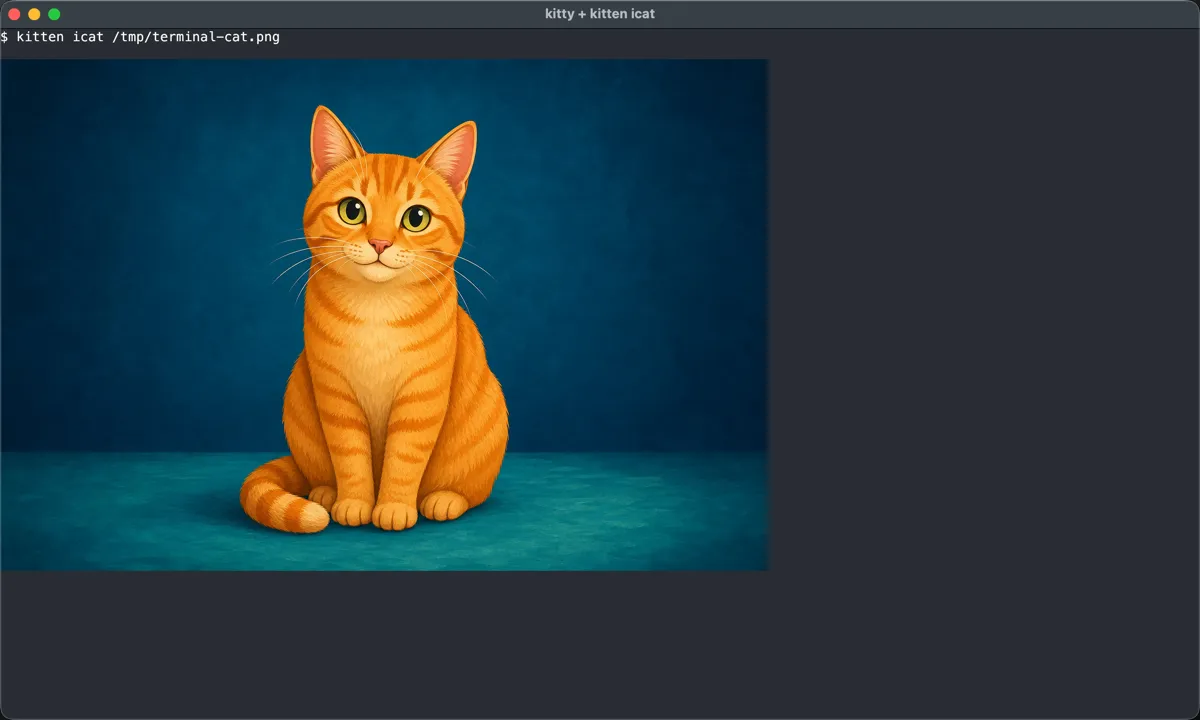
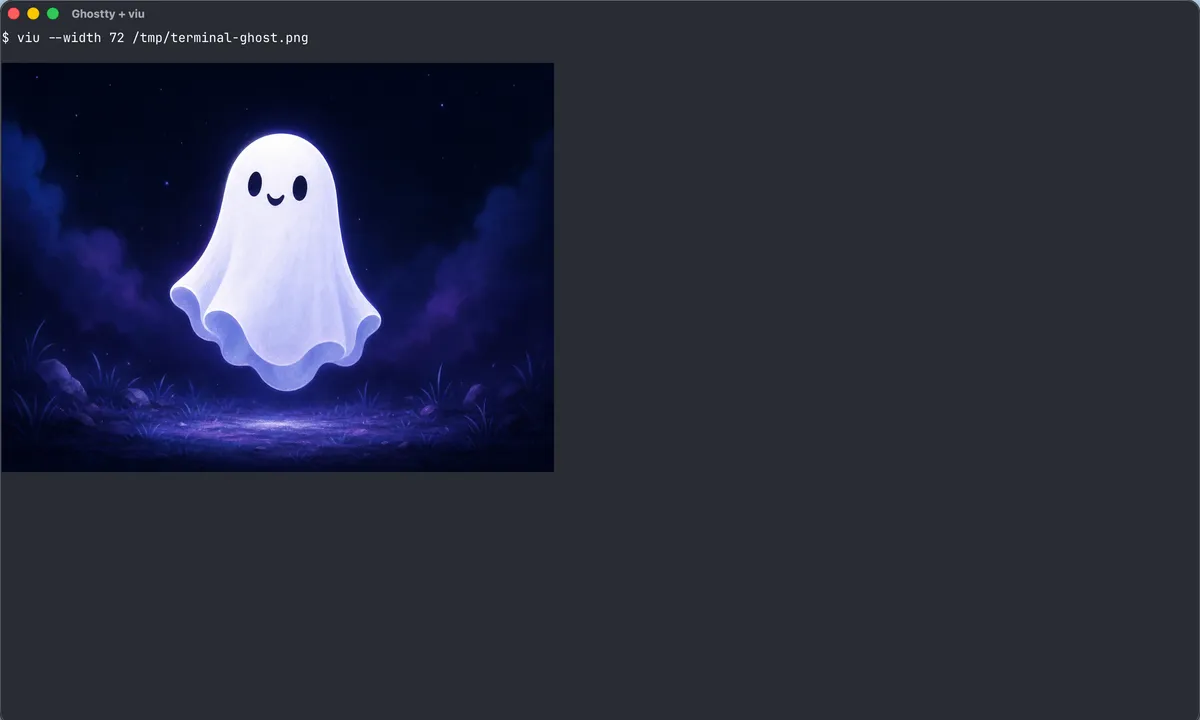
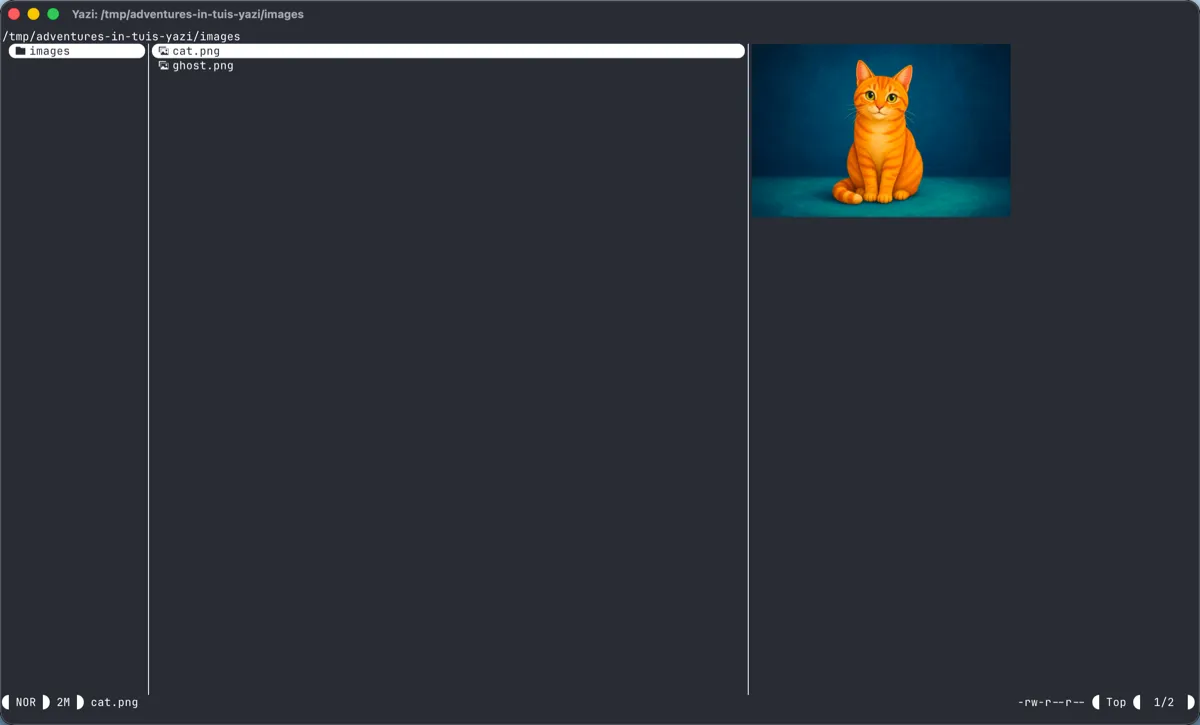
The ability to display images or graphics in a terminal is still not universal, but the floor is rising thanks to some openly published protocols. File management TUIs like yazi and image viewers like viu can show images inline with text in a terminal when you use a compatible client like Kitty or Ghostty.
New life for Tmux as an AI TUI wrapper
As all of those advancements in terminals, frameworks, and AI agent TUIs came to be, here’s one I could not have predicted: knowing tmux and how you can use it well is a superpower when all the coding agents are TUIs. Tmux was already useful, but never enough that I wanted to use it before. The agent era gave it a second wind for me.
A persistent, scriptable, multiplex-able terminal is exactly what you want when useful work may run long. Start an agent. Detach. Reattach from another machine or mobile device. Capture output. Send keys. Keep the work alive when the laptop lid closes. This is the way, and a lot of new orchestration tools are trying to fill this same gap. Meanwhile, tmux is a substrate you can use that is already mature and proven — you just have to learn the keybindings.
ACP promises to be a more reliable programmatic way to control and monitor AI sessions, and that story is evolving quickly. If you want to be able to reach your hands into that harness and session, there’s nothing quite like being able to open and inspect it directly though.
A quick tour of newer TUIs I found useful
First, let’s set aside all the classic *nix TUIs older than 10 years — plenty has been written about them.
For newer TUIs, there are extensive lists and sites cataloging TUI’s, and new ones pop up all the time on reddit r/tui.
Here are some that I have personally used and continue to use over the last few months:
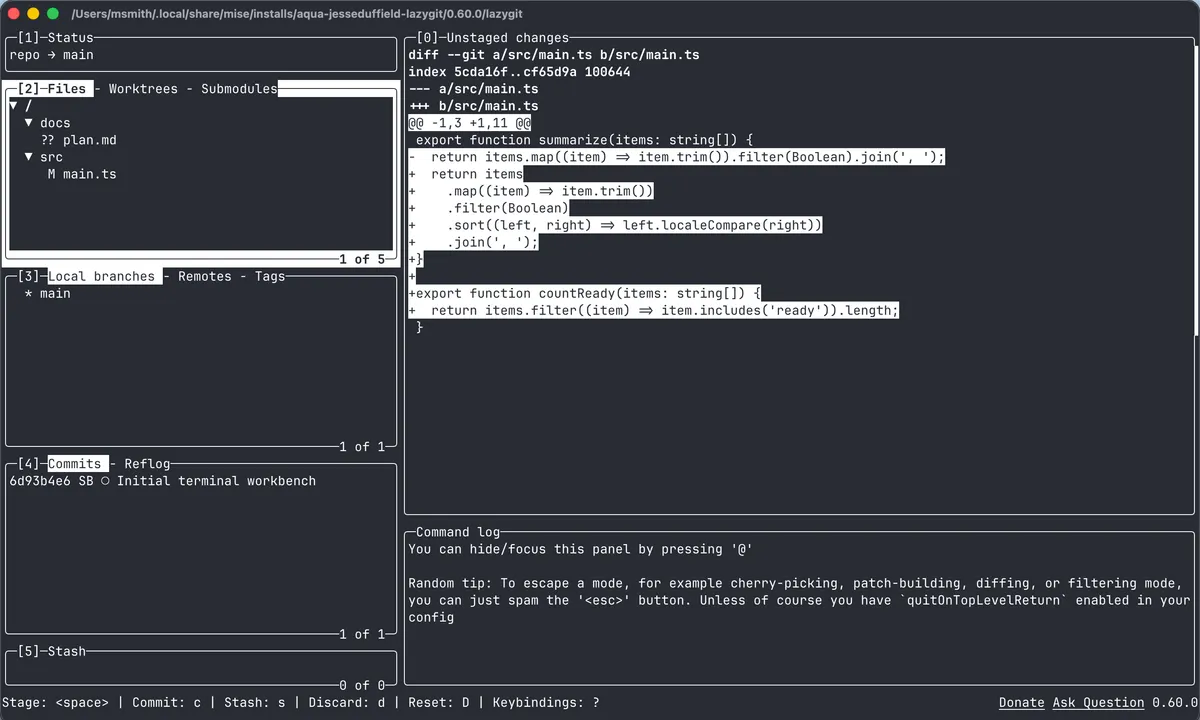
- lazygit makes many git workflows fast without flattening git into a toy.
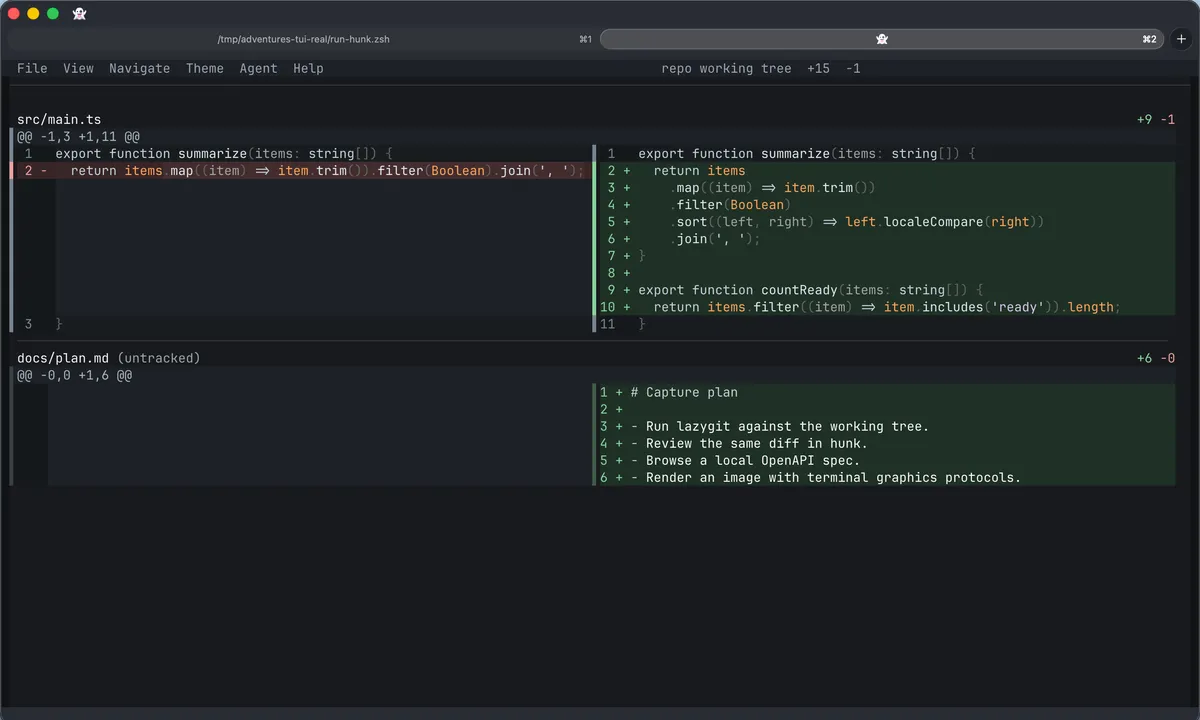
- hunk - a review-first terminal diff viewer built on OpenTUI and Pierre diffs
It is too tempting!!
Seeing all these great TUIs landing over the last year, while agentic coding agents have started becoming more and more effective, inspired me to build a few more TUIs myself, for fun, for me:
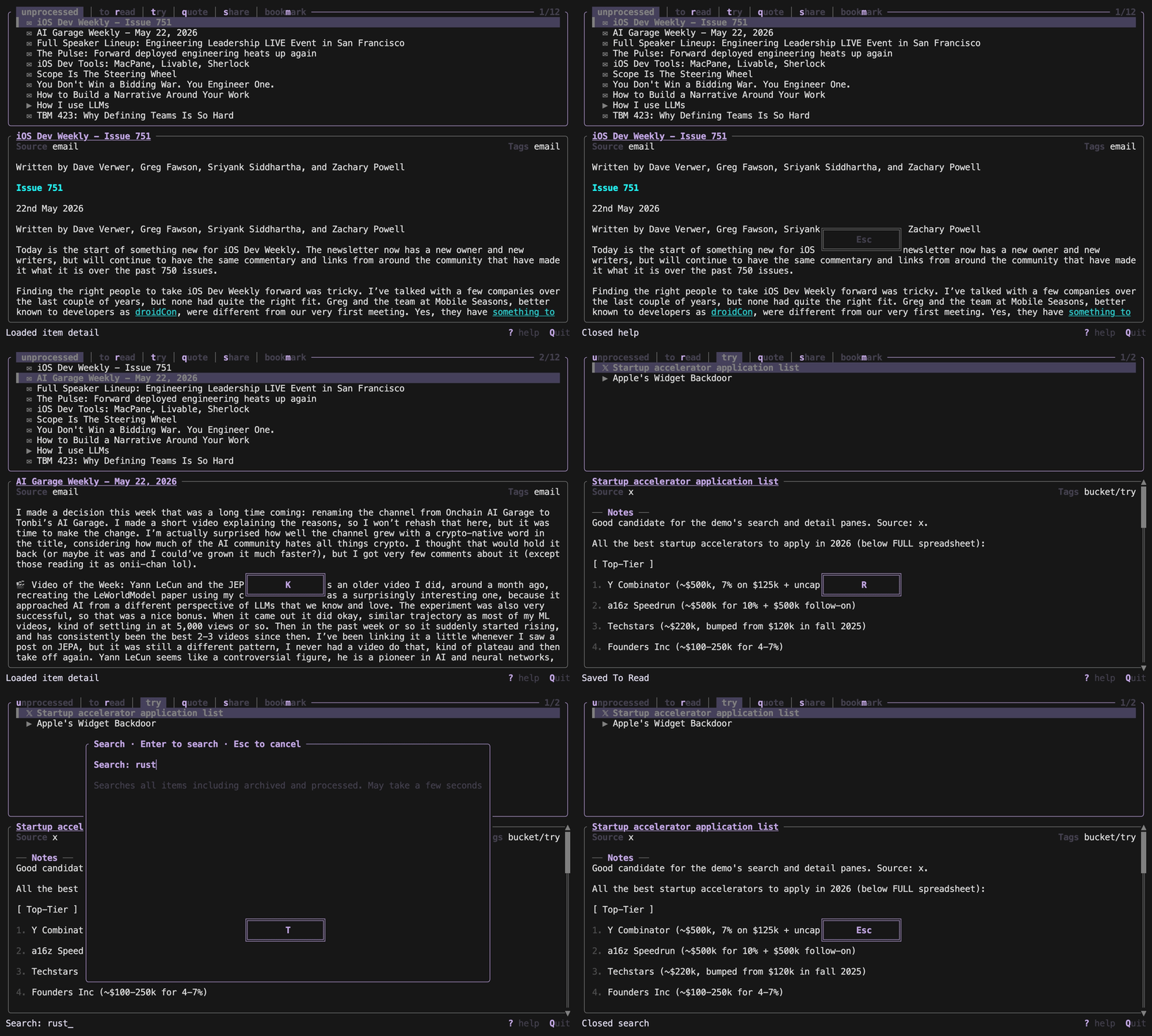
Sift is a TUI for categorizing and reading items saved in a Keep.md account.
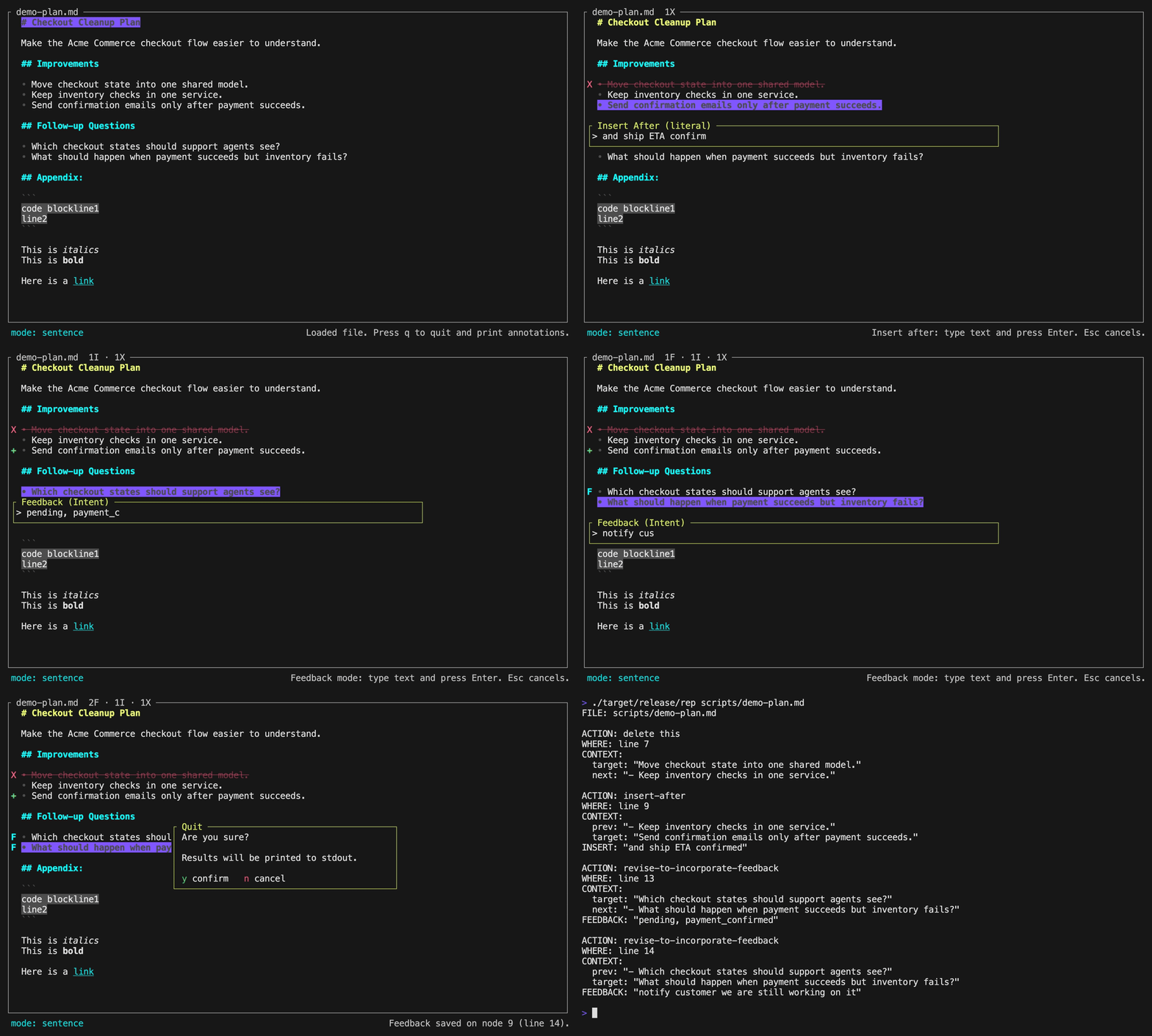
Rep is a human-in-the-loop TUI for reviewing and revising markdown plan files in collaboration with an LLM. The key idea is simple: when an agent writes a plan, I want to walk the plan line by line, mark some specific literal changes and provide some intent feedback, then have those annotations feed back into the agentic loop to update the plan. It’s a fast way to communicate to the LLM “change this to xx” or “make this more yyy” or “strike this” without having to type or speak a lot of the context.
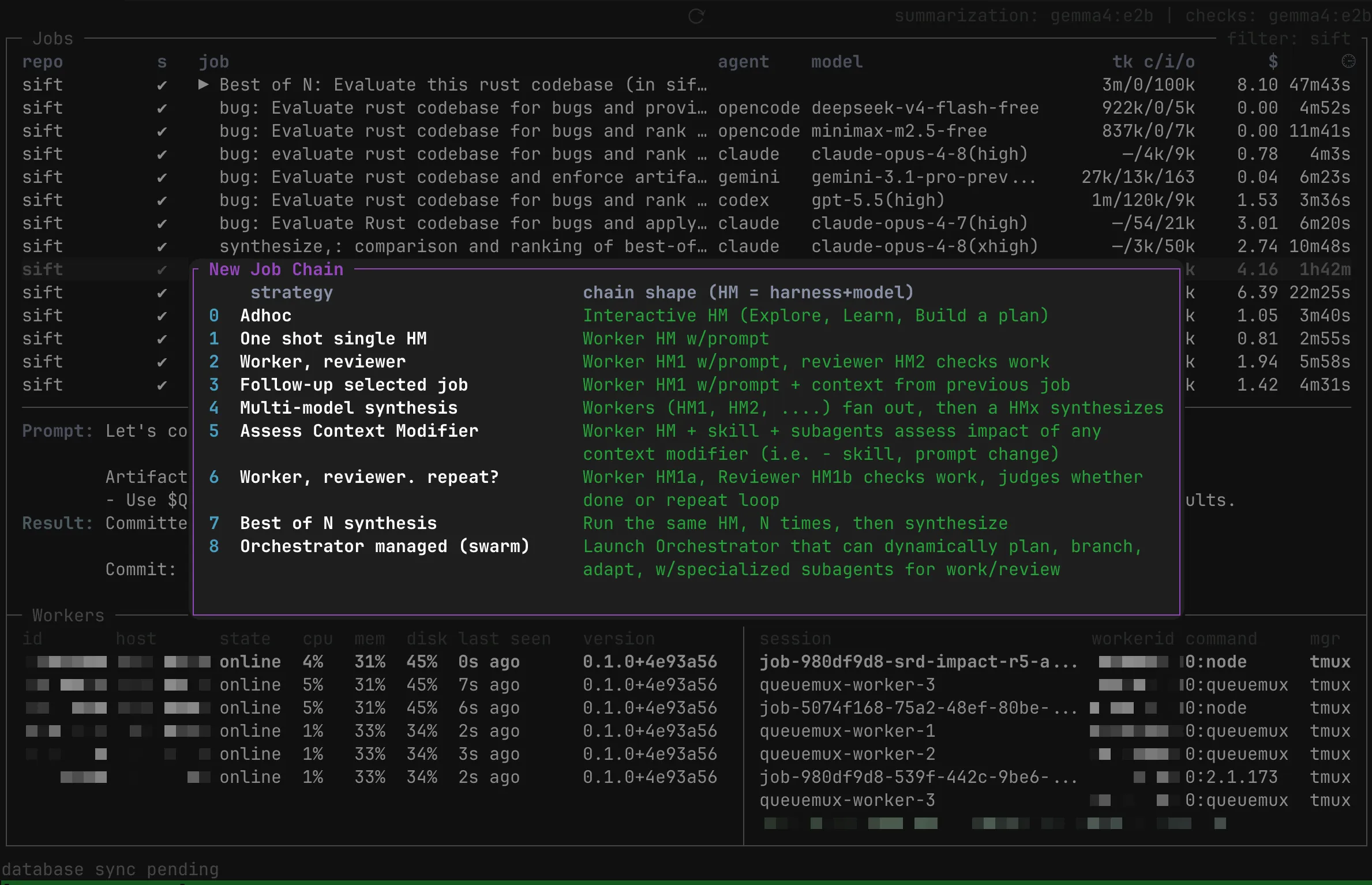
stealth project is a highly experimental AI orchestration experiment I’m running on a tmux and SQLite substrate to run AI jobs distributed across hosts and models, inside full vendor-provided harnesses. That combination matters because jobs are not opaque. They can be inspected, attached to, debugged, and steered, and results are collected in one place for aggregation, reporting, and review. Also as a particular harness+model combo improves, that improvement carries forward.
TUIs forever?
We may be through the phase where AI agents are driving new interest in TUIs … especially as some of the leading AI labs IPO, and attempt to establish super-apps to increase stickiness with a beachhead GUI app on users’ desktops and mobile devices.
Even so, TUIs keep advancing, and the pull is still obvious to me: information density, low latency, low bandwidth, and keyboard-first control.